Original example: newsy niche channel
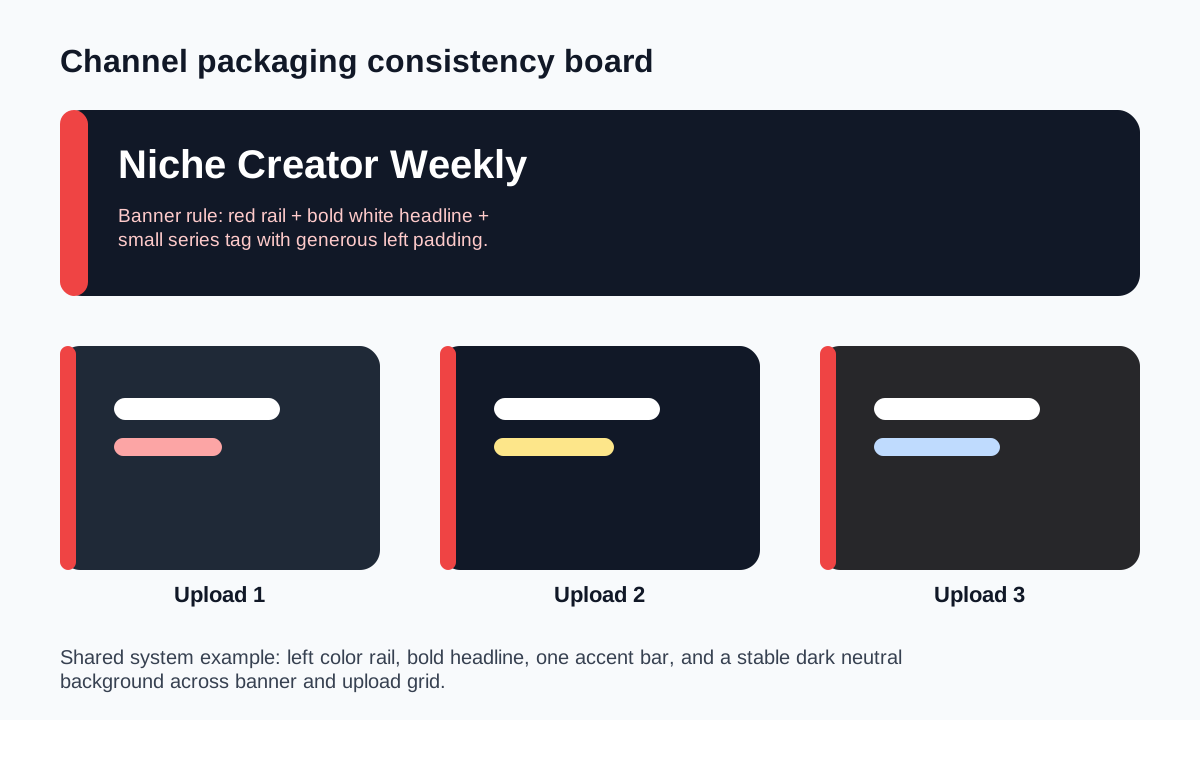
A red accent rail plus a consistent dark neutral background can make a small commentary channel look published and current, even when the episode subjects change every week.

Audience/problem: Use this checklist when a channel has decent individual thumbnails but still lacks a recognizable identity. The issue is often not “bad design” but inconsistent design rules between banner, thumbnails, and series packaging.
| Drift point | How it shows up | Fix | Related tool |
|---|---|---|---|
| Banner says one thing, thumbnails say another | The channel page looks curated but individual uploads feel generic | Rewrite the channel promise and build series labels around it | Channel Art Helper |
| Every upload changes style completely | No recurring cues across a month of videos | Define a small packaging system: rail, color, crop rule, or title zone | Teardown examples |
| Consistency becomes sameness | Uploads blend together and lose episode-specific clarity | Keep the system stable but vary the hero subject and angle | CTR workflow |
| Brand reviews happen too late | The upload is already live before anyone checks grid cohesion | Add a Wednesday review gate in your template flow | Workflow templates |
A red accent rail plus a consistent dark neutral background can make a small commentary channel look published and current, even when the episode subjects change every week.
A stable title zone across thumbnails paired with a clean channel banner gives viewers continuity without forcing identical layouts in every episode.
Need the practical banner dimensions and safe-area checks too? Pair this page with the Channel Art Helper and the broader YouTube image asset reference center.